
Timetable
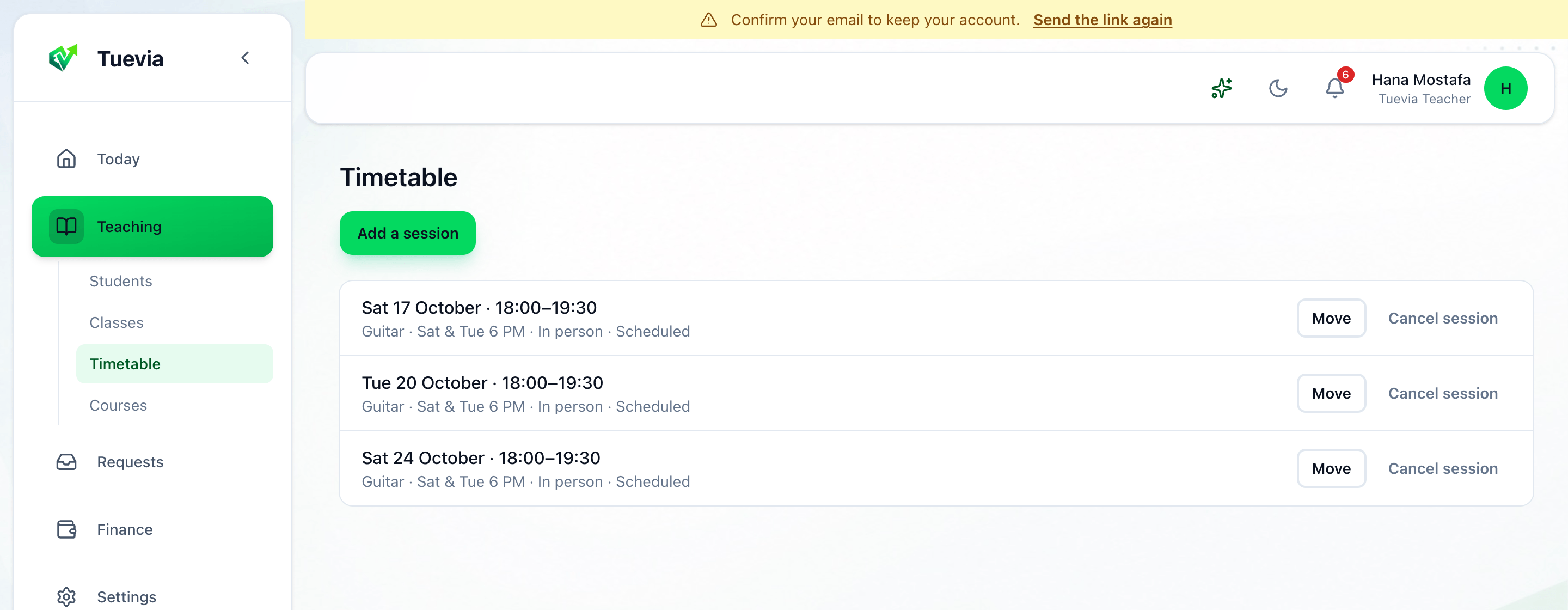
Teaching → Timetable lists every session to come, earliest first: its day and hours, its class, where it meets, and its state - Scheduled, Moved, Held or Cancelled.
Add a session
Section titled “Add a session”-
Press Add a session.
-
Say What it is, choose its Class or Not part of a class, its day, From and To, and where it meets.
-
Save it.
Move or cancel one
Section titled “Move or cancel one”- Move changes a session’s day and hours. It then says Moved.
- Cancel session cancels it. Its students see it as cancelled.