
The phone app
The Tuevia app for Android is the learners app on your phone. Sign in with the same email and password: everything in your account is there, and what you do in one shows in the other.
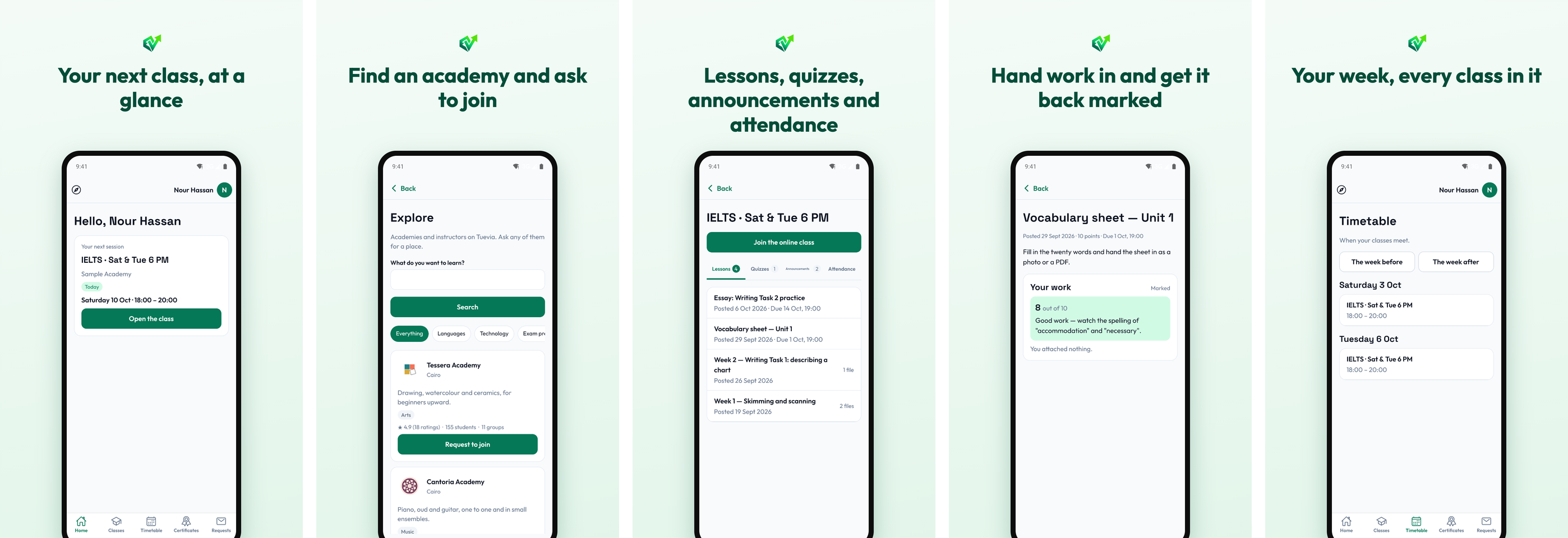
It has the same five places, as tabs along the bottom: Home, Classes, Timetable, Certificates and Requests. At the top are the compass, which opens Explore, and your name, which opens your menu: Settings and Sign out. A dot on your initial means you have unread notifications.
Settings gathers what the web keeps in the top bar and your menu: your notifications, the announcements, Notifications on this phone, your details, your password, deleting your account, and The app’s language.
What the app adds is notifications on the phone: an invitation, an answer to what you asked, or an announcement arrives even when the app is closed. Allow notifications when the app asks, or turn them on later with Notifications on this phone in Settings.
Everything else works as on the web, and the rest of this part describes both: