
Working the board
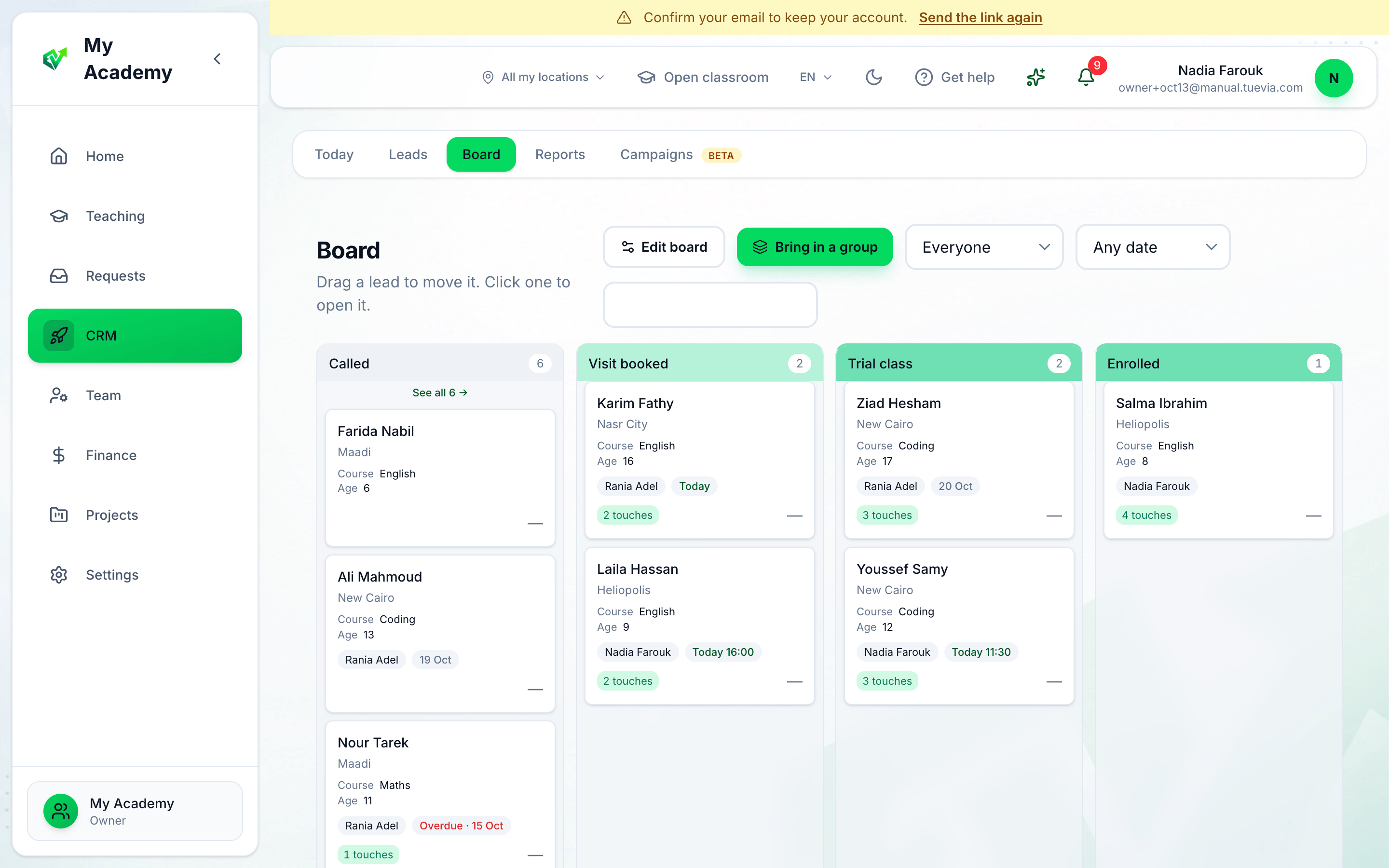
- Edit board
- Person
- Due date
- The block's page
- A lead
-
Edit board changes the blocks and fields. See Building your board.
-
Person shows everyone’s leads, Mine, Nobody’s, or one person’s, in every block.
-
Due date narrows every block to Due by today, Today, Overdue or No date.
-
The block’s name opens the block’s own page. Each block on the board shows its first three leads; See all opens the page too.
-
A card is a lead: its city, the first answers to your fields, who has it and when it is due, and how many touches it has had. Drag it to another block to move it, or press it to open its page.
Bring in a group moves every lead on one of your groups into the block you choose. The search box looks across the whole board.
A block’s page
Section titled “A block’s page”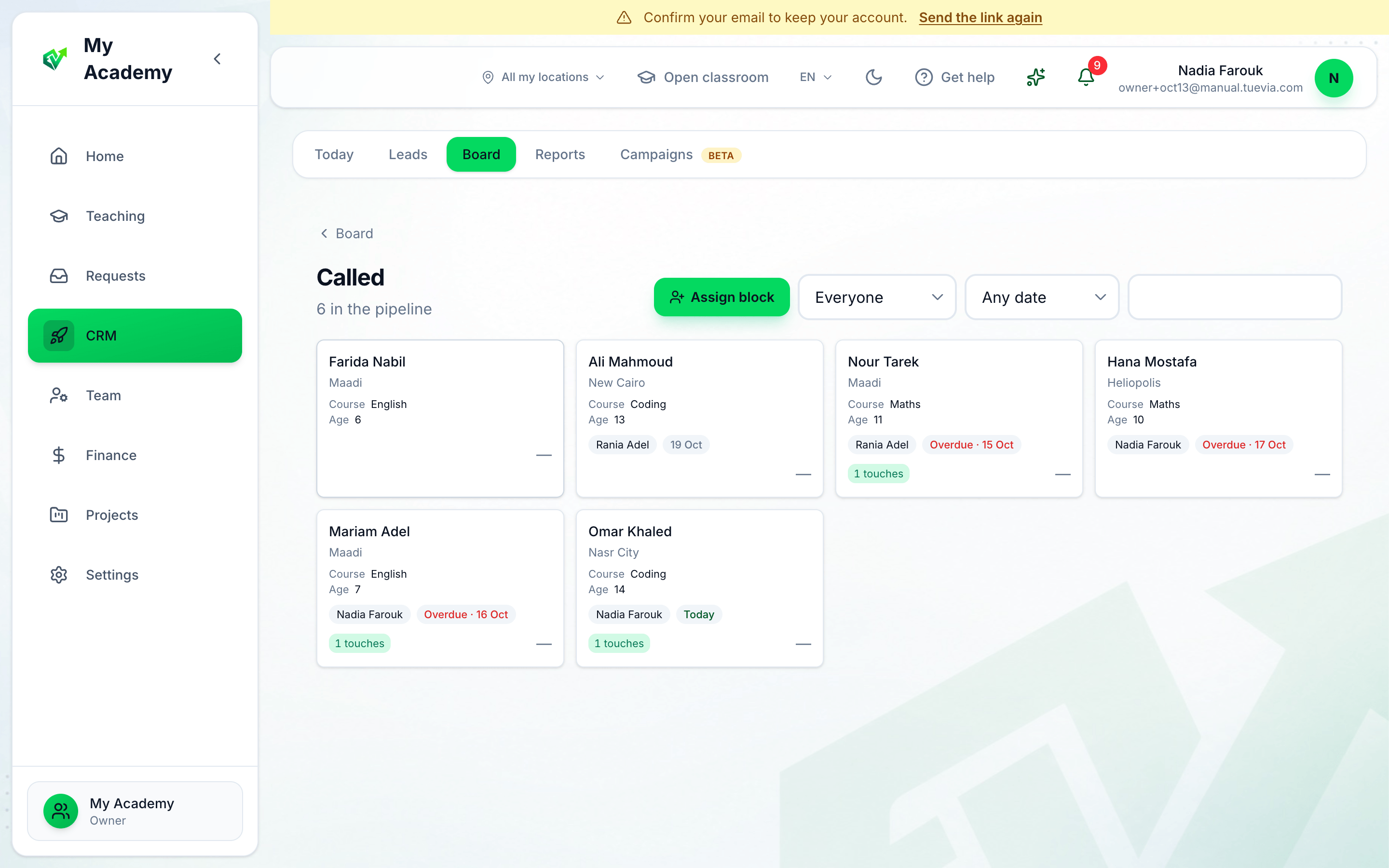
- Assign block
- Person
- Due date
A block’s page shows every lead in it, a page at a time, with a search and the same filters. Assign block hands every lead in the block to people with a due date — see Assigning leads.