
Password and security log
The Security section of Settings is where you change your password and see what has happened to your account. Everybody in the academy has it.
Change your password
Section titled “Change your password”In Security, next to Change Password, press Change. The steps, the rules for a new password and the messages you may meet are in Getting your academy.
See your security log
Section titled “See your security log”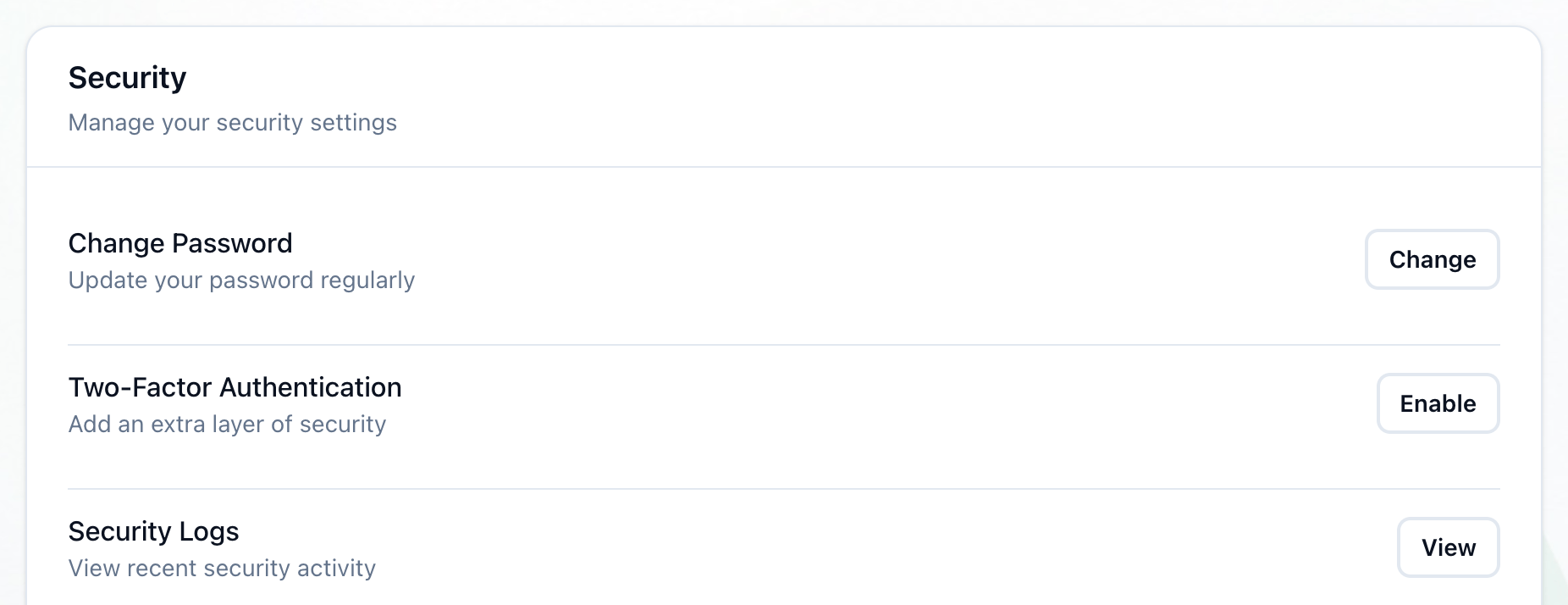
- View
-
In Security, next to Security Logs, press View.
-
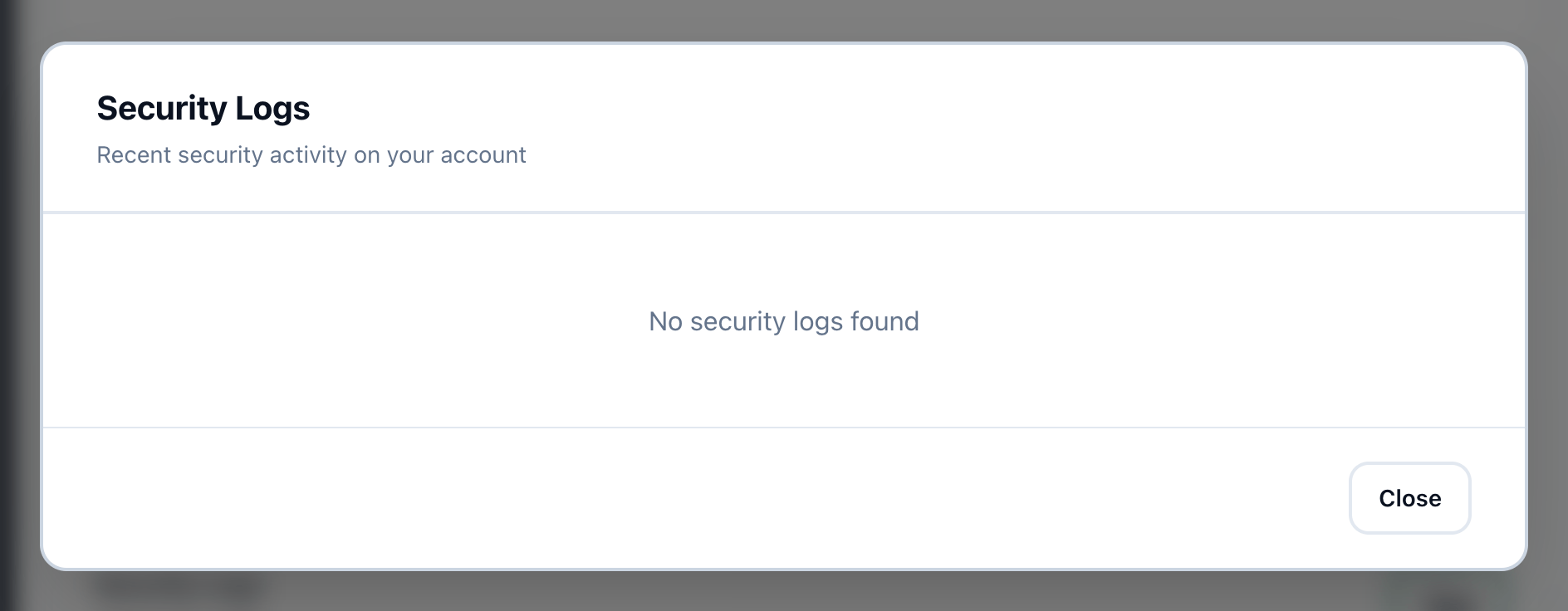
Security Logs opens with the latest activity on your account, newest first, up to 20 entries. Each shows what happened, when, and a short description. Press Close when you are done.
The log records these:
- Password changed
Password changed from account settings. - Profile updated
Profile information updated. - Deletion requested
Account deletion requested. - Deletion cancelled
Account deletion cancelled.
Signing in is not recorded here. When nothing has been recorded yet, the log says No security logs found.
Two-Factor Authentication
Section titled “Two-Factor Authentication”Two-Factor Authentication is listed in Security, marked Coming soon: it cannot be turned on yet.
What happens next
Section titled “What happens next”If the log shows a change you did not make, change your password at once, and tell your academy’s owner.