
Building your board
A board is yours to shape: the steps your leads go through, in your order, and what you want to know about every lead.
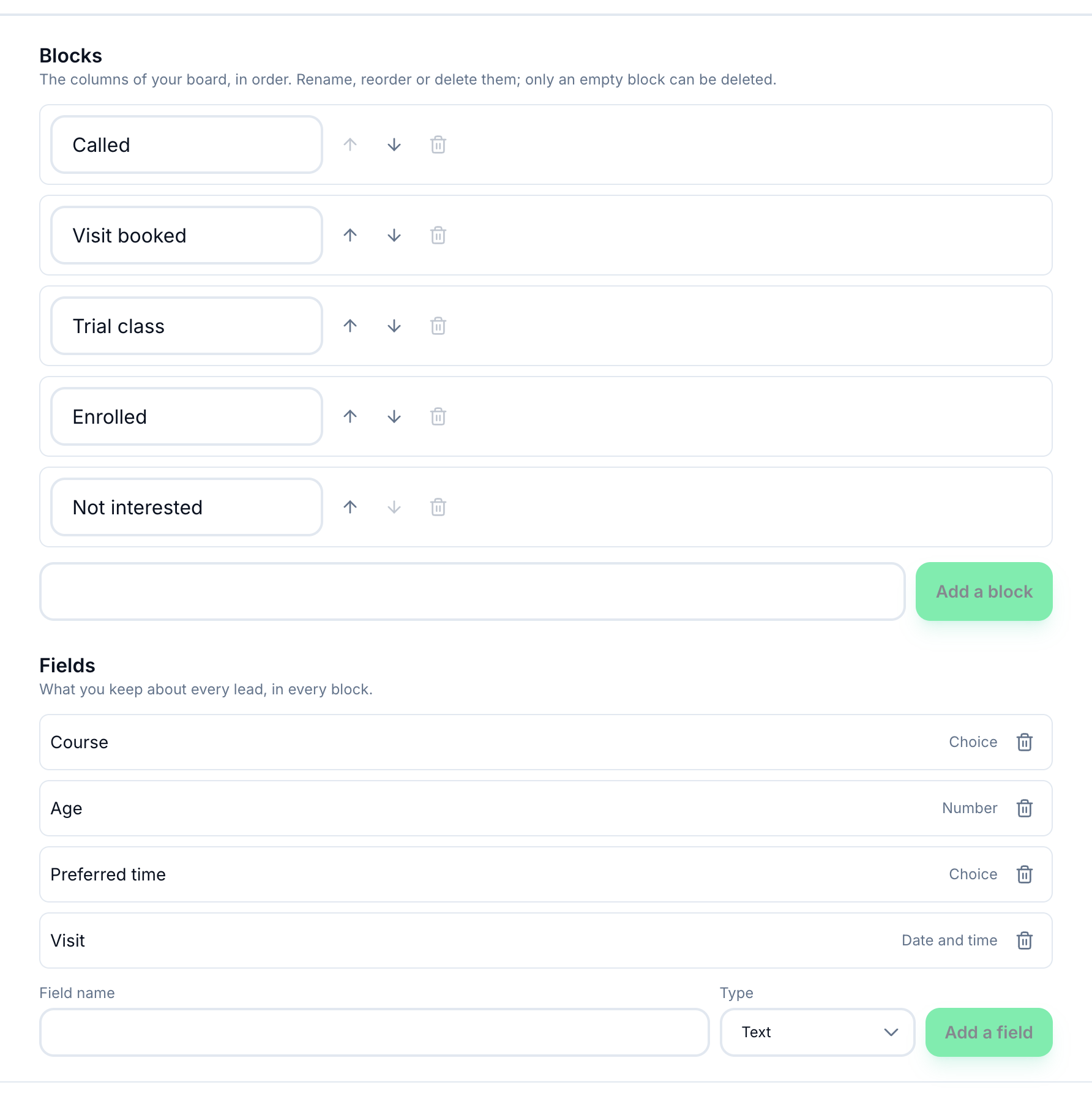
- Blocks
- Fields
-
In Board, press Edit board.
-
Under Blocks, type a name — for example Called, Visit booked, Enrolled — and press Add a block. Rename a block in its box, move it with the arrows, or delete it with the bin — only an empty block can be deleted, so move its leads out first. An empty block also shows the bin on the board, beside its count.
-
Under Fields, add what you keep about every lead: a Field name and a Type — Text, Number, Date, Date and time, Choice, Yes / no, Link or Email addresses. For Choice, write the Choices, separated by commas. Press Add a field. Every field is asked of every lead, whichever block it is in.
-
Press Close.
Deleting a field hides it from every lead; the answers already written stay on the leads.
What happens next
Section titled “What happens next”The board shows one column per block. No block yet holds leads not placed on a block until your board has its first block; after that it leaves the board, and a lead on no block is found in Leads and placed from its page’s Status. Your fields appear under Details on every lead’s page, and the first answers show on each card.