
Getting started
-
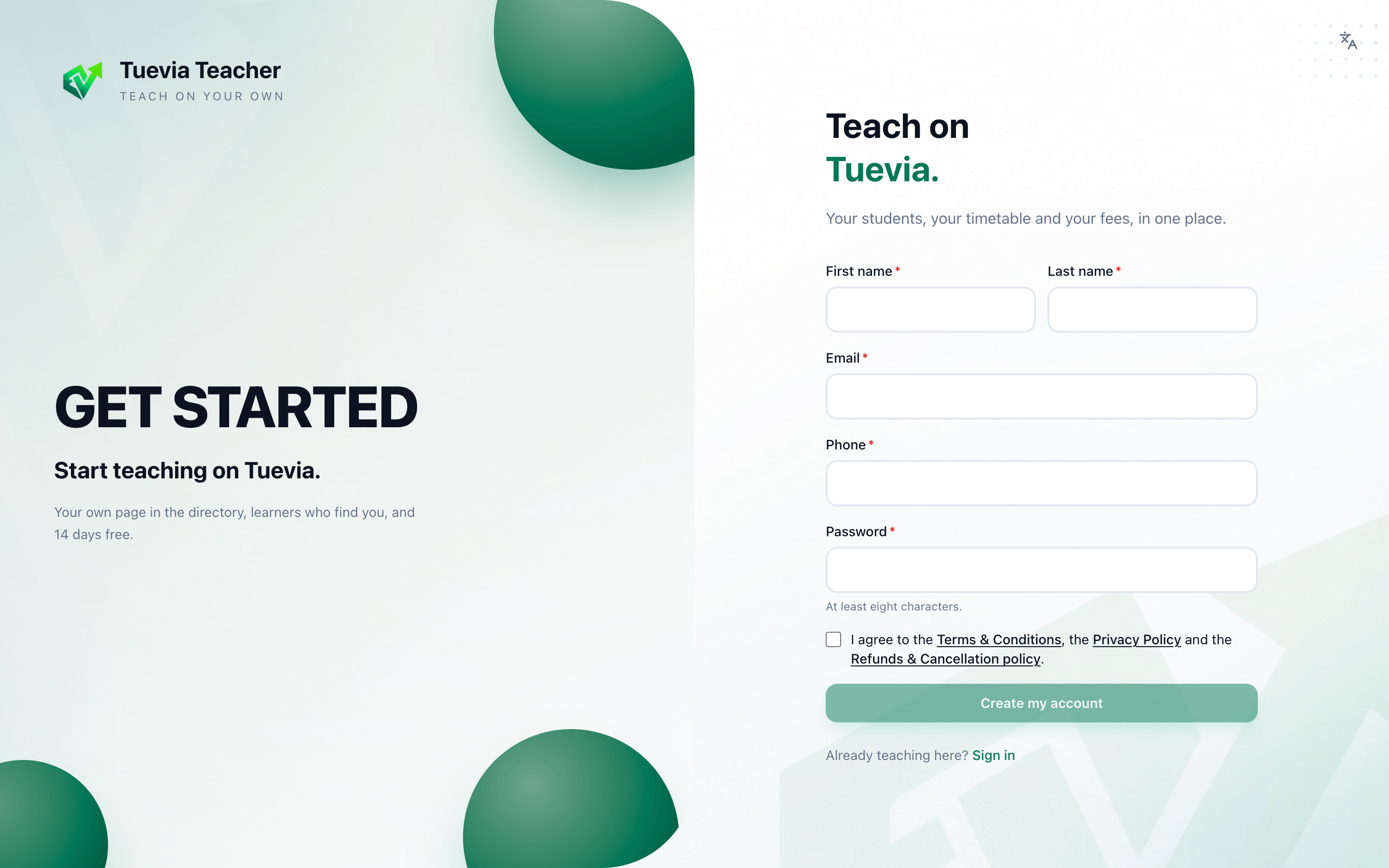
Open instructors.tuevia.com and press Start teaching, or go straight to the sign-up page.
-
Fill in your First name, Last name, Email, Phone and a Password of at least eight characters.
-
Tick I agree to the Terms & Conditions, the Privacy Policy and the Refunds & Cancellation policy, and press Create my account.
-
Build your card: the card learners find you by in the Tuevia directory. Fill it in and publish it, or press Skip for now and do it later in My card. See Requests and your card.
A yellow bar asks you to Confirm your email to keep your account: press the link in the email Tuevia sent, or Send the link again.
The first course and class
Section titled “The first course and class”A class teaches one course, so a course comes first.
-
In Teaching → Courses, type the Course name and the Sessions in the course, and press Add course. See Courses.
-
In Teaching → Classes, press Start a class. See Classes.
-
In Teaching → Students, add your students and put them in the class. See Students.
-
In Finance → Fees & payments, agree each student’s fee. See Fees and reports.