
A piece of work, from Classroom to the learner
Classroom → the learner’s class → Marking → the learner’s mark → Certificates
An instructor sets work, a learner hands it in from their phone, the instructor marks it, and the mark counts towards the certificate. This flow follows one assignment across Classroom, the learners app and the academy app.
1. The instructor sets it in Classroom
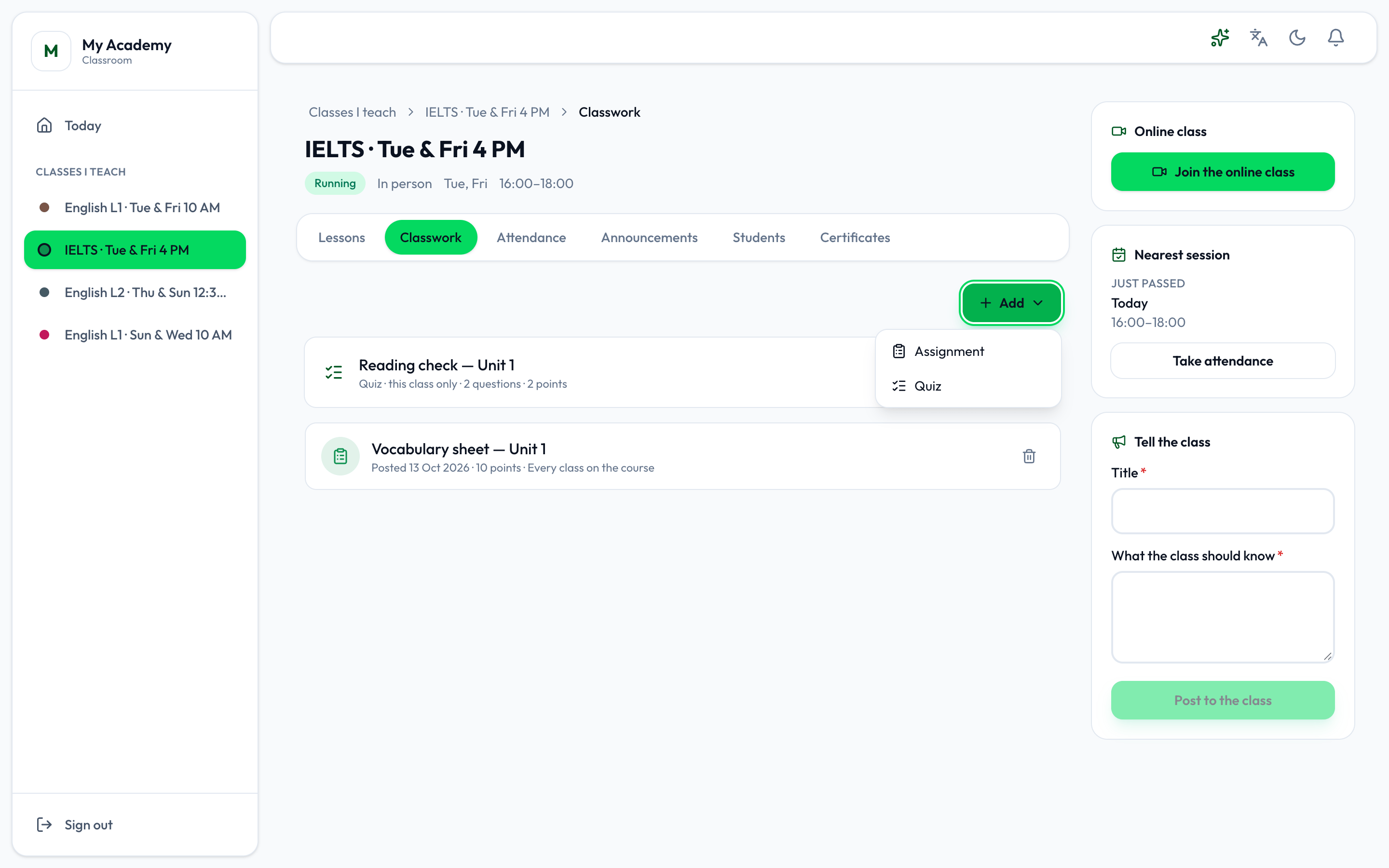
Section titled “1. The instructor sets it in Classroom”In Classroom, on the class’s Classwork tab, the instructor presses Add, then Assignment, gives it a title, instructions, a due date and a mark, and posts it - for this class only or for every class on the course. See Classwork.
2. The learner sees it and hands it in
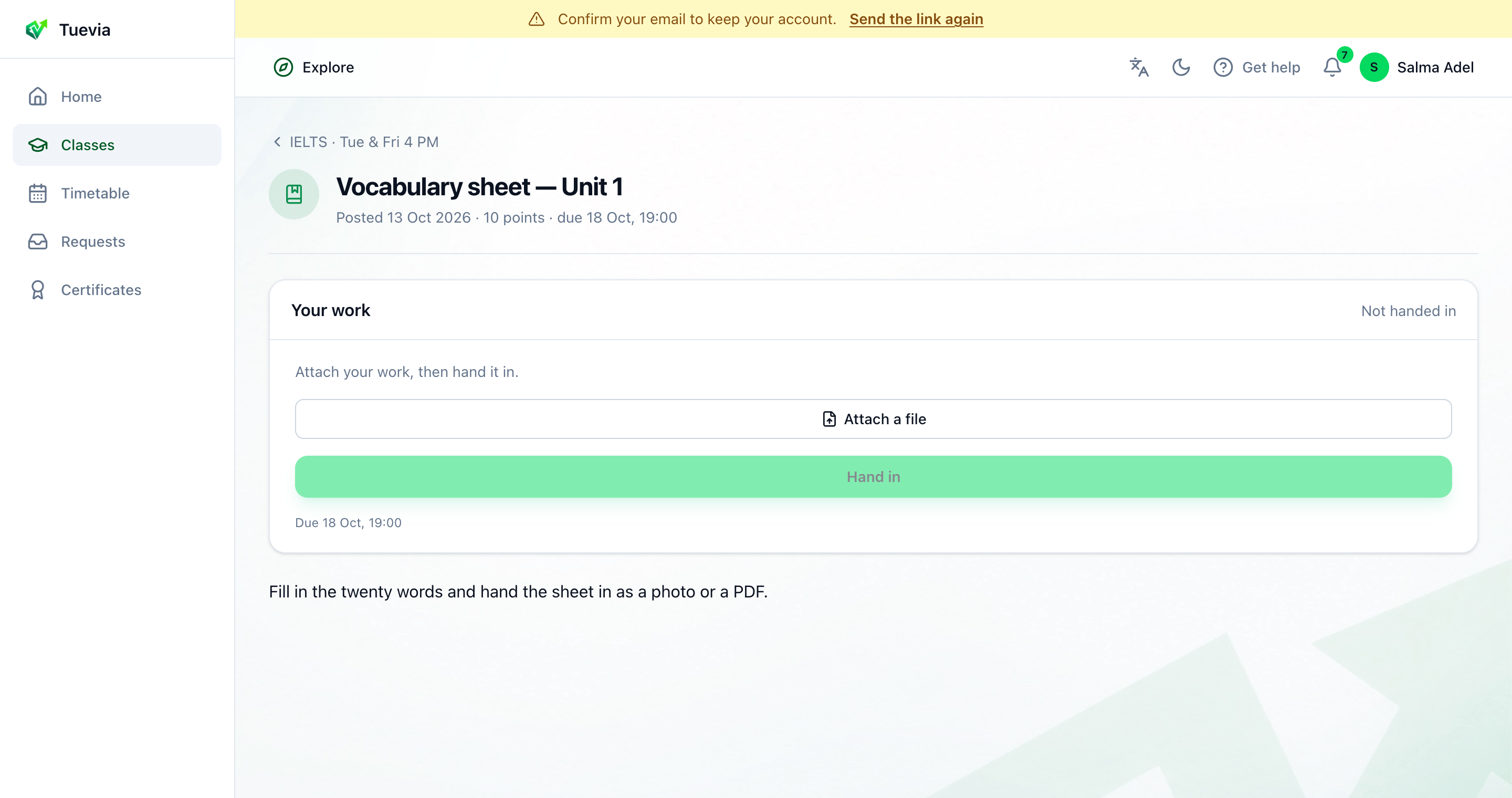
Section titled “2. The learner sees it and hands it in”It appears on the learner’s class page in their app, among the lessons, and they are notified. They open it, attach their work and press Hand in. See Lessons and handing work in.
3. It is marked and returned
Section titled “3. It is marked and returned”The instructor opens the assignment’s Marking in Classroom; the academy can mark it too, from the Marking card on the group’s page in the academy app. Each student’s work shows Handed in, with what they attached. Give each a mark and a note, and press Return. See Classwork and A group’s coursework.
4. The learner sees their mark
Section titled “4. The learner sees their mark”Returned, the work says Marked on the learner’s side, with the points and the note. Nothing shows until it is returned.
5. It counts towards the certificate
Section titled “5. It counts towards the certificate”Marks on tests and quizzes, and attendance, are what the course’s pass rules measure. When the enrolment is completed and the learner meets them, the instructor issues the certificate from the class’s Certificates tab, and it appears in the learner’s Certificates. See Certificates and Certificates.