
Notifications and announcements
Notifications
Section titled “Notifications”The bell at the top of every page shows a number when you have unread notifications: an academy invited you, answered what you asked, or posted something for you. Press it to see the newest, and See all for every one. Mark all as read clears the number.
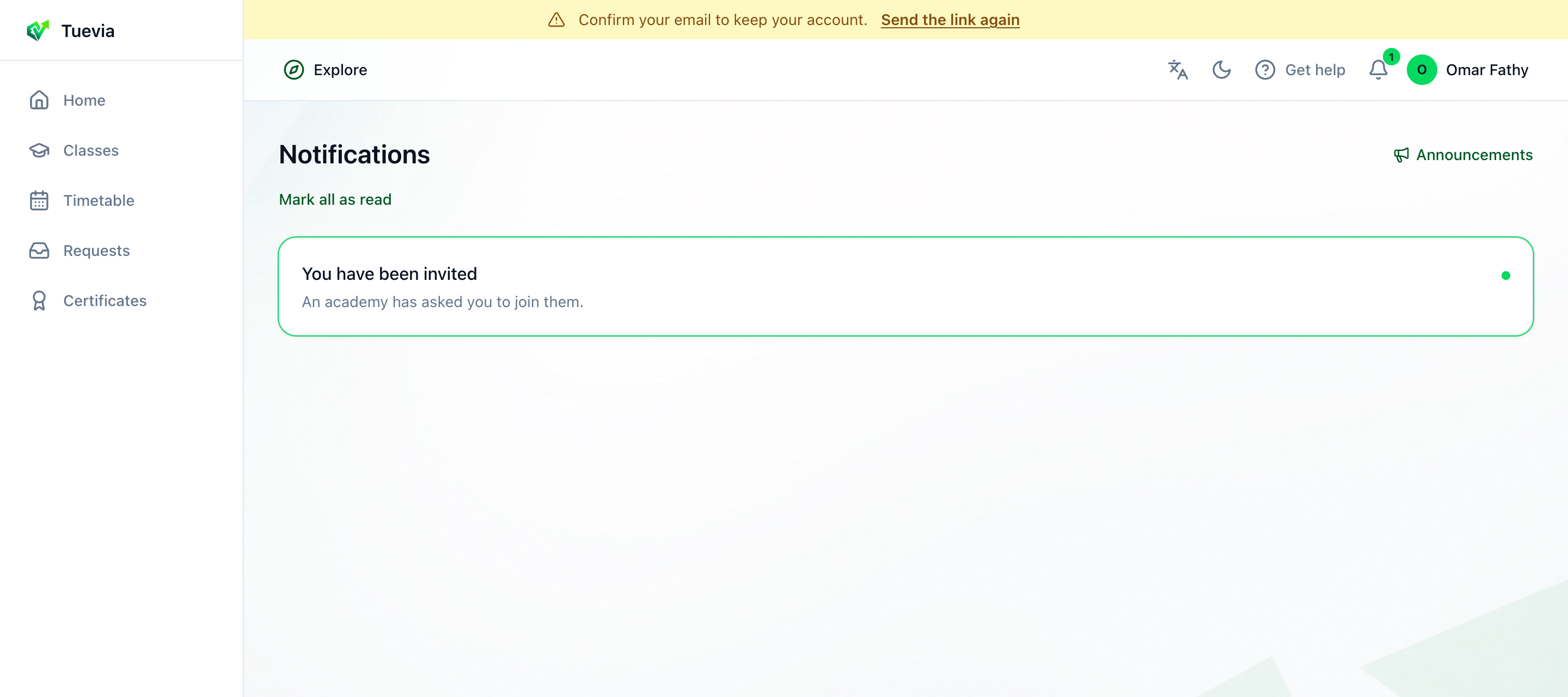
Press a notification to go to what it is about: an invitation opens Requests.
In the phone app, notifications also arrive on your phone.
Announcements
Section titled “Announcements”Press Announcements on the Notifications page, or in the bell’s menu, for what your academies have posted: to everybody, or to one of your classes. Each says whom it is for - Everyone or the class - and is marked Pinned, Urgent or Reminder when the academy marked it so.
If you study at more than one academy, From picks whose announcements you read.
A class’s own announcements are also on the class’s page. See Classes.