
Your classes
The classes your academy assigned you are in the sidebar under Classes I teach, each in its own colour, and on the Classes I teach page. A class is a group from the academy app: it appears when the academy makes you its instructor.
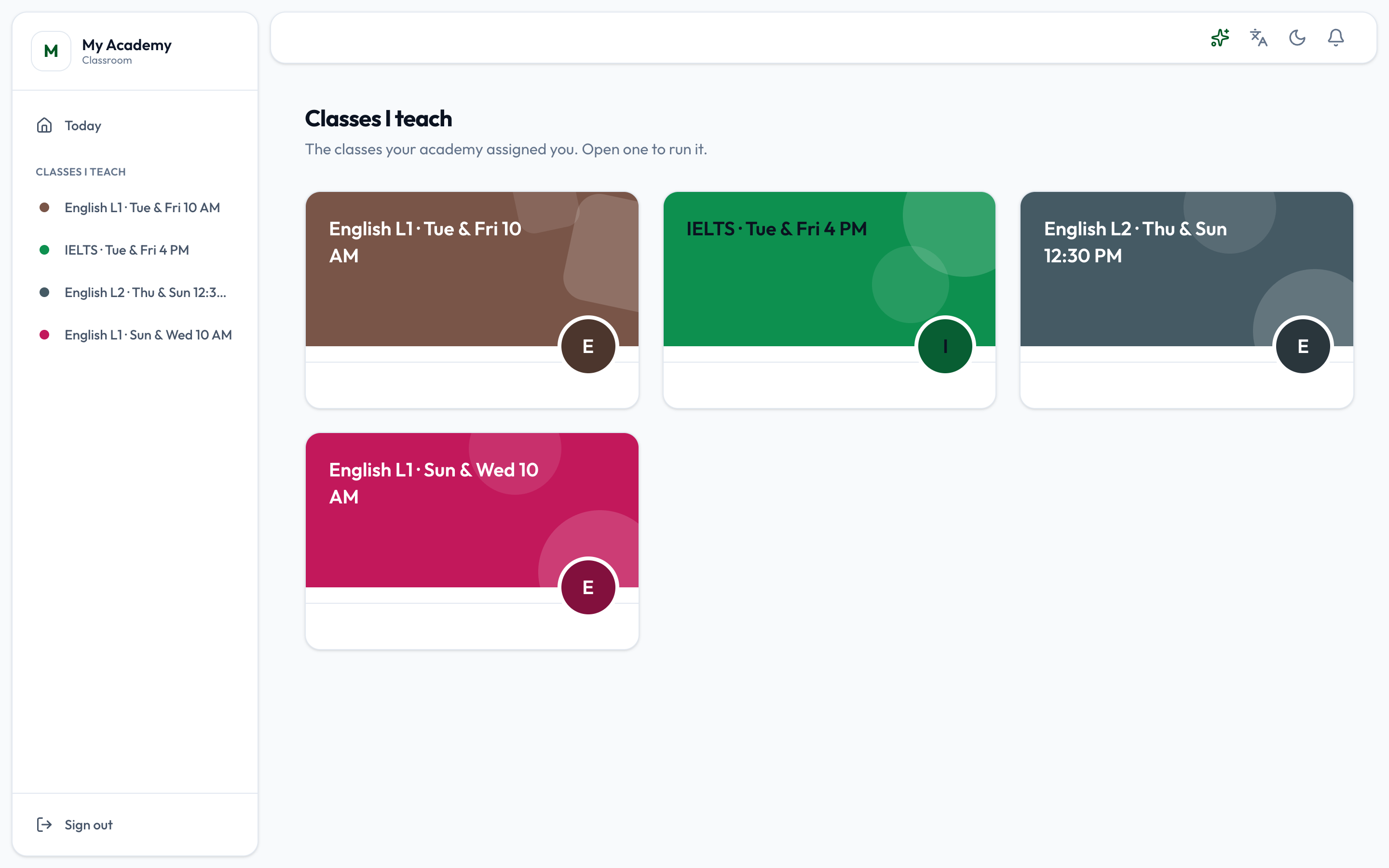
Press a class to run it. Its page shows whether it is Running, Paused or Ended, whether it meets In person or Online, its days and its hours, and six tabs:
- Lessons - what the class reads, watches and does. See Lessons.
- Classwork - assignments and quizzes. See Classwork.
- Attendance - the register, the sessions and the online class link. See Attendance and sessions.
- Announcements and Students - see Announcements and students.
- Certificates - see Certificates.
Beside every tab
Section titled “Beside every tab”On a wide screen three cards sit beside the class, whichever tab is open:
- Online class - Join the online class opens the class’s meeting link. Without a link it is greyed out, and Add it under Attendance takes you to where the link is set.
- Nearest session - the session closest to now, coming up or just passed, with its day and hours. Take attendance opens the register on that session.
- Tell the class - a title and a message, and Post to the class posts it as an announcement.
Where you are
Section titled “Where you are”The tabs stay at the top while you scroll, and the one you are in is filled in - also on a quiz, an assignment or its marking, which belong to Classwork. Above the class’s name, a trail such as Classes I teach › IELTS · Tue & Fri 4 PM › Classwork › Quiz says where the page is; press any step to go back to it.