
Deleting items
Delete an item the academy no longer has. Owners, admins, and anyone whose role can manage Resources can delete.
Delete an item
Section titled “Delete an item”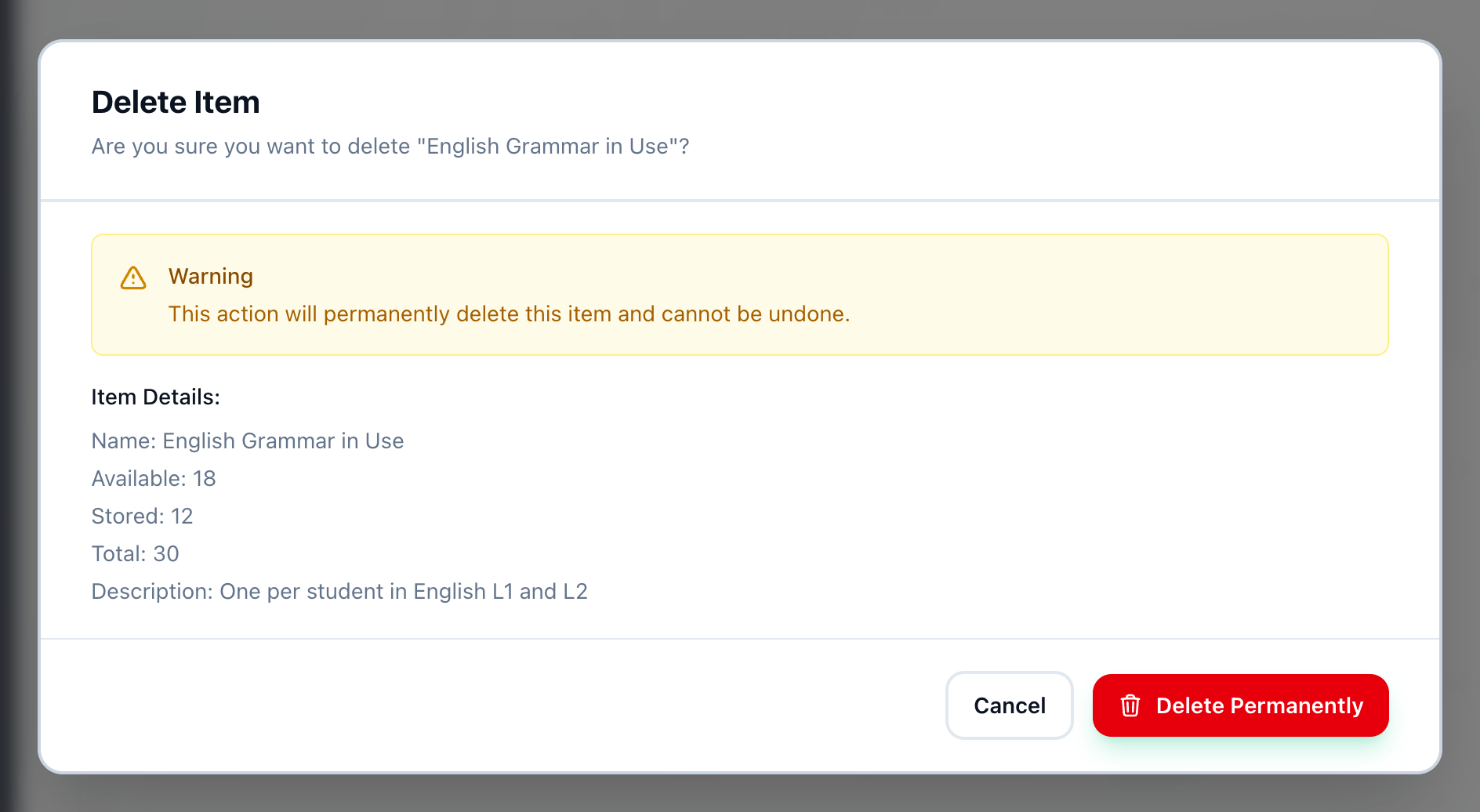
- Delete Permanently
-
On Resources, open the Items tab and press the bin button at the end of the item’s row.
-
Delete Item shows the item’s name, Available, Stored and Total, and a warning that it cannot be undone. Press Delete Permanently.
The item leaves the Items tab, and the Inventory tab too if some of it was stored. If you only want fewer of something, change its available quantity instead.
If something goes wrong
Section titled “If something goes wrong”-
Error in the Delete Item dialog
The item was not deleted, and the dialog says why. Close it and try again. -
The bin button is greyed out
Your role can view Resources but not manage them. An owner or an admin can do it.
What happens next
Section titled “What happens next”To start again with something new, add an item.