
Requests
Requests holds both ways of joining an academy: the academies that asked you, and the ones you asked. Nobody can add you to an academy without you saying yes.
You were invited
Section titled “You were invited”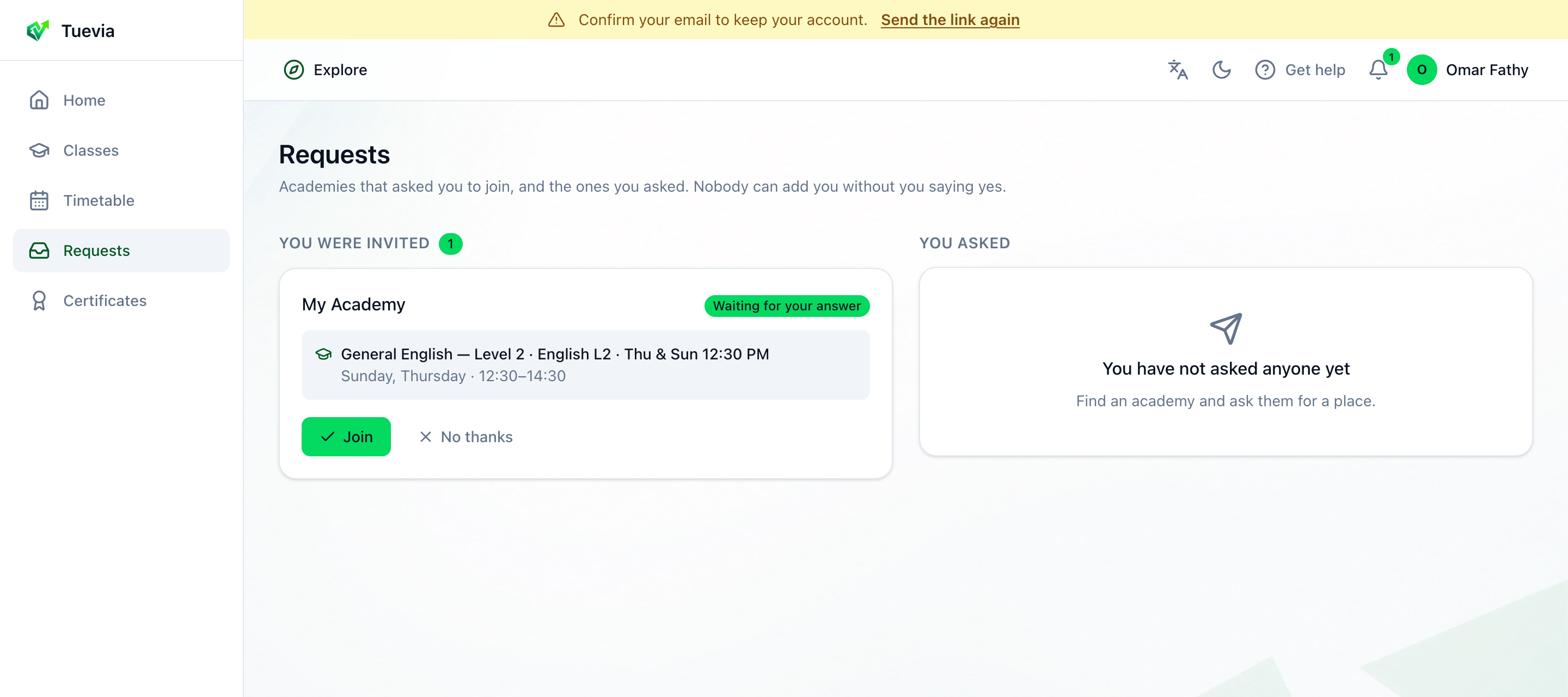
- Invitations
- Join
- No thanks
-
You were invited - each academy that added you, with the class it put you in: the course, the group, its days and hours. The number beside the heading is how many wait for your answer; each says Waiting for your answer.
-
Join says yes. The class appears in Classes and its sessions in your Timetable, and the invitation says Joined.
-
No thanks turns it down, and it says Declined.
You asked
Section titled “You asked”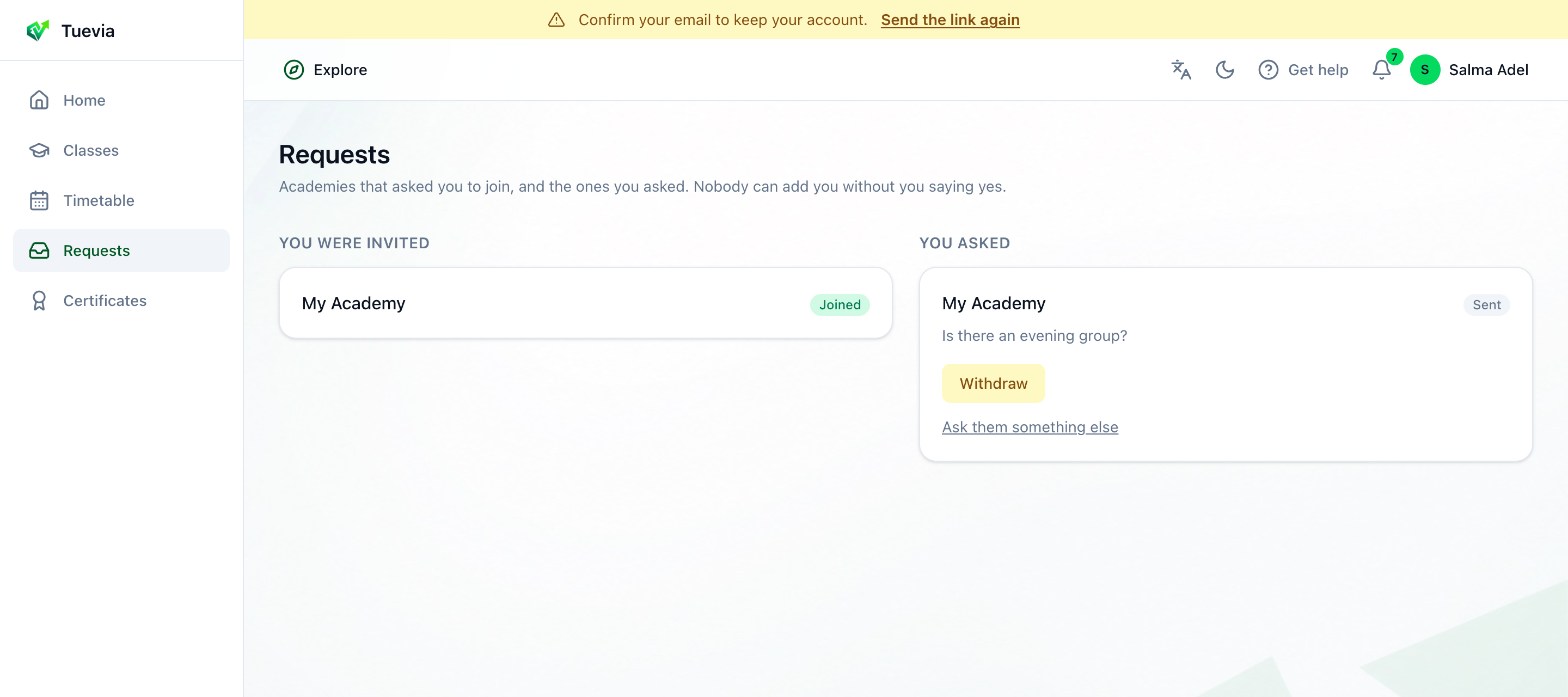
- What you asked
- Withdraw
- Ask again
-
You asked - each academy you asked for a place, with your message. Its status says where it is:
- Sent - the academy has it.
- Under review - the academy is looking into it.
- They replied - the academy answered; it usually calls or messages you too.
- Joined - you have a place.
- Declined - the academy said no, and the reason it gave, if any, is shown.
- Withdrawn - you took it back.
-
Withdraw takes back a request the academy has not answered.
-
Ask them something else opens the academy’s page, to ask about another course.
A request that comes with a placement test shows Take the placement test. See Finding an academy.