
Working your day
Today lists the leads assigned to you whose due date is today or has passed. A lead gets a person and a due date when somebody assigns it — see Assigning leads.
What Today shows
Section titled “What Today shows”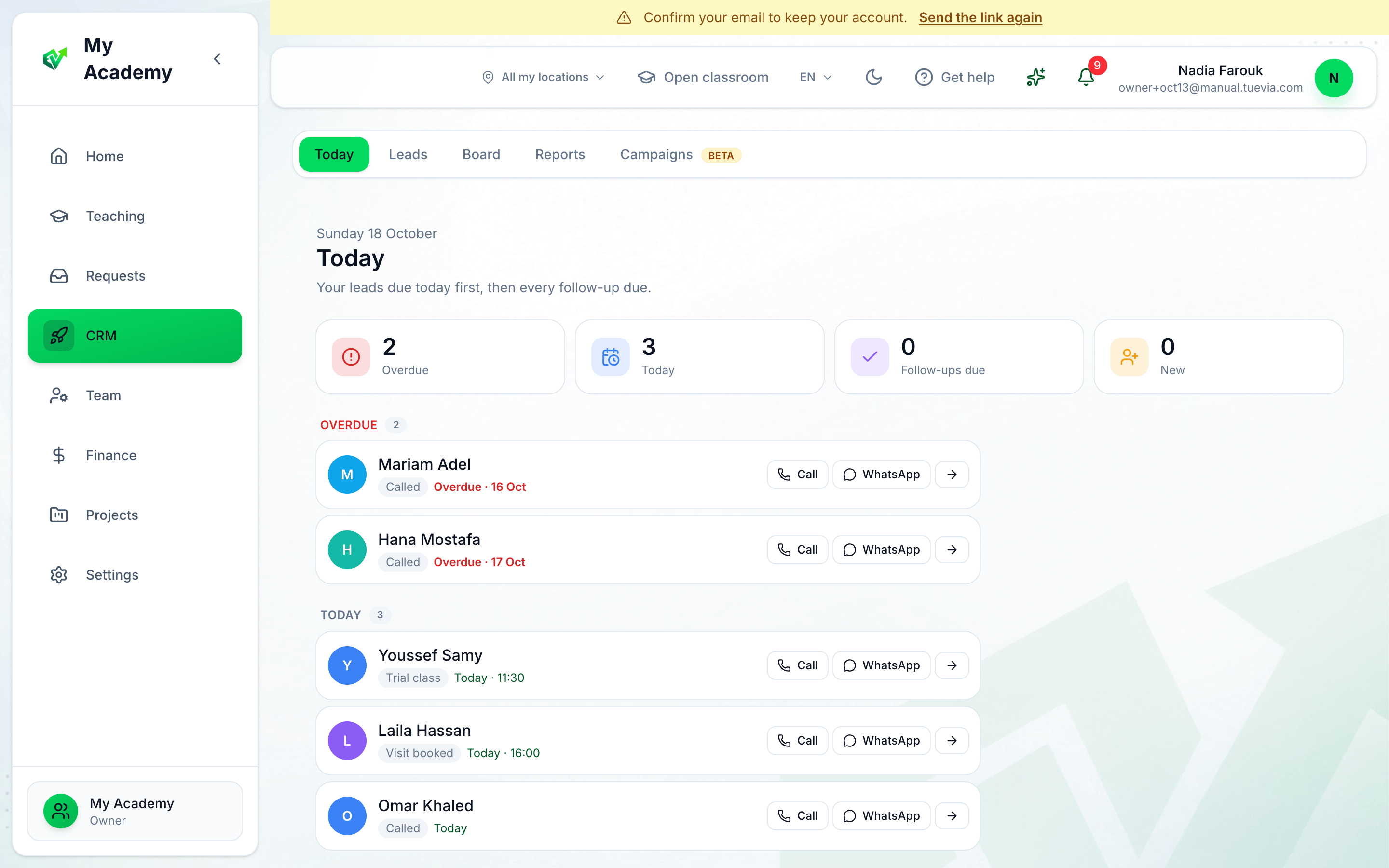
- Your counts
- A lead that is due
- Call
-
Four counts: Overdue, Today, Follow-ups due and New — the new leads in your groups that nobody has contacted yet.
-
Your leads, under Overdue and then Today. Each shows its block on the board, and the day and time it is due. Press the name, or the arrow, to open the lead’s page.
-
Call dials the lead’s phone.
-
WhatsApp opens a chat with the lead’s number.
Beside the list, when there are any: your Follow-ups due, the New in your groups leads, and Follow-ups due across the academy, each with Done.
After you call
Section titled “After you call”Open the lead and press Add action to record what happened. Under Assigned, press Done when the due work is done — the lead leaves Today — or Change date to bring it back on another day. See A lead’s page.
On Home
Section titled “On Home”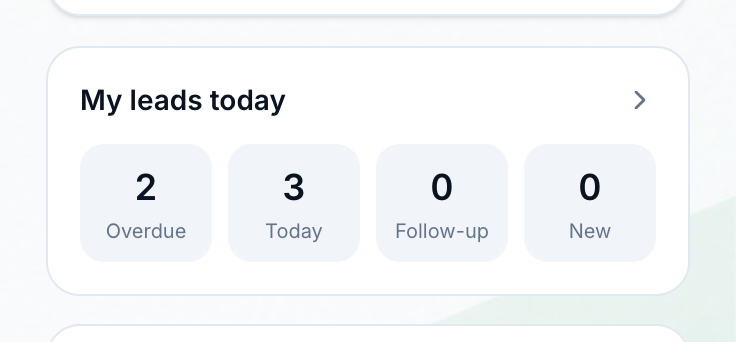
- Press to open Today
My leads today on Home shows the same four counts. Press the card to open CRM → Today.