
Announcements
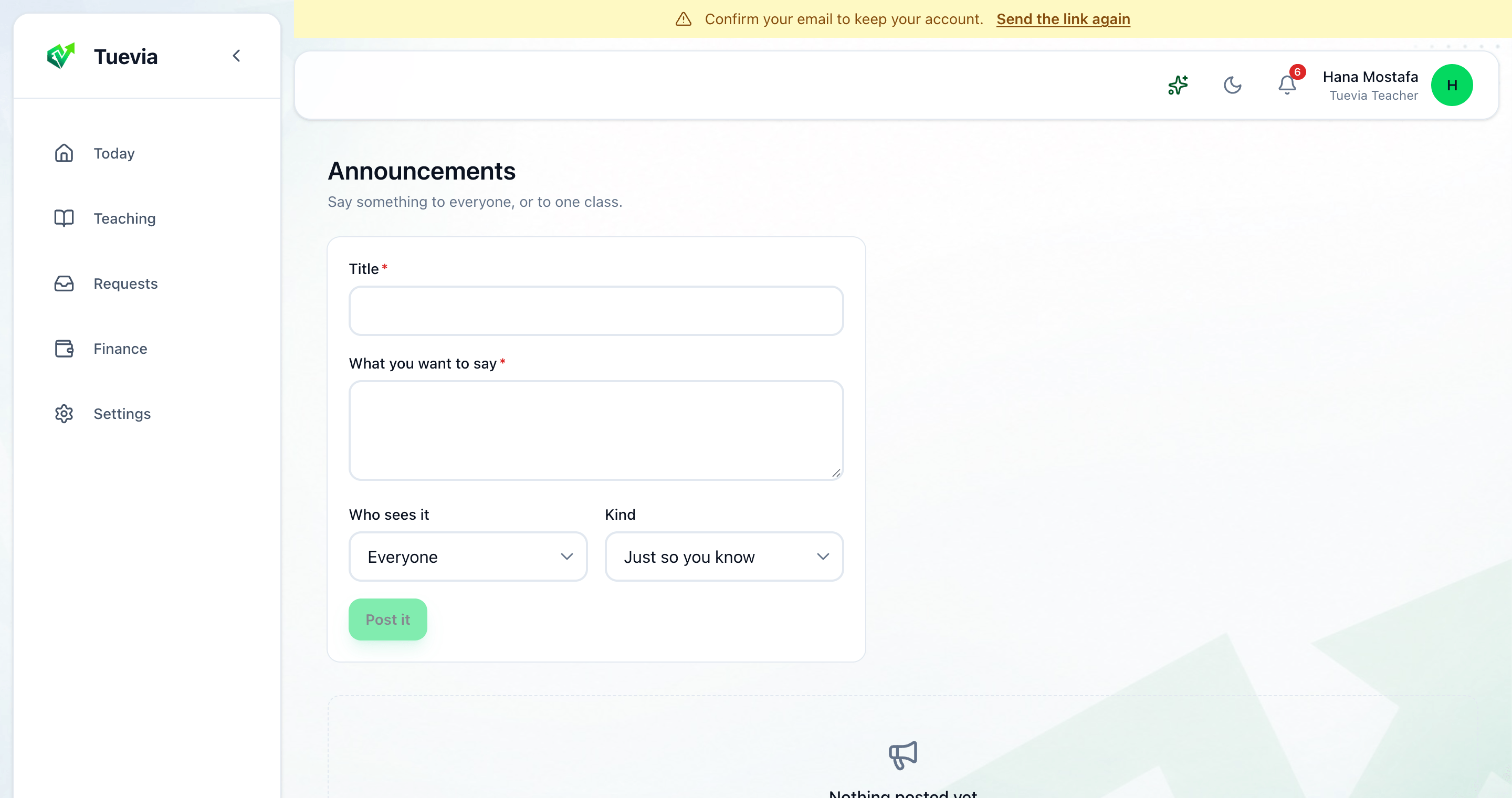
Announcements is for anything everybody needs to know at once: a closure, a change of room, a reminder that fees are due. Open it from Today.
-
Type the Title and What you want to say.
-
Choose Who sees it: Everyone, or one class.
-
Choose its Kind: Just so you know, A reminder or Urgent.
-
Press Post it.
Your students are notified, and see it in their app. Take down removes one. A class’s page has Post to this class too. See Classes.