
Courses
Courses in the sidebar lists what the academy teaches, for those who manage courses. They are the same courses as in the academy app, with their sessions and price - or Free, for a course nobody pays for. They are created and changed the same way: see Creating a course.
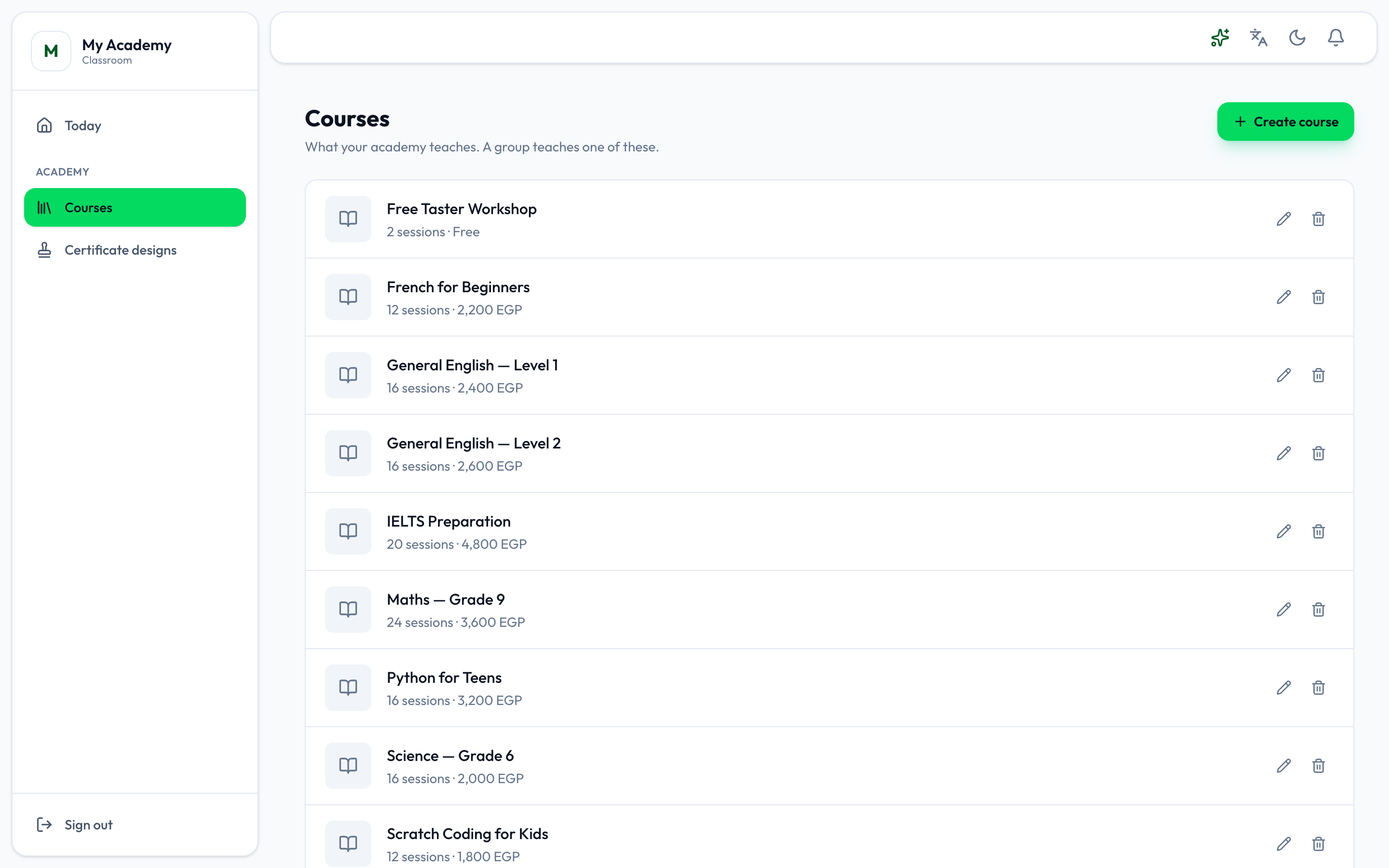
Create course adds one, the pencil edits one and the bin deletes one, as in the academy app. See Courses.
Tests on a course
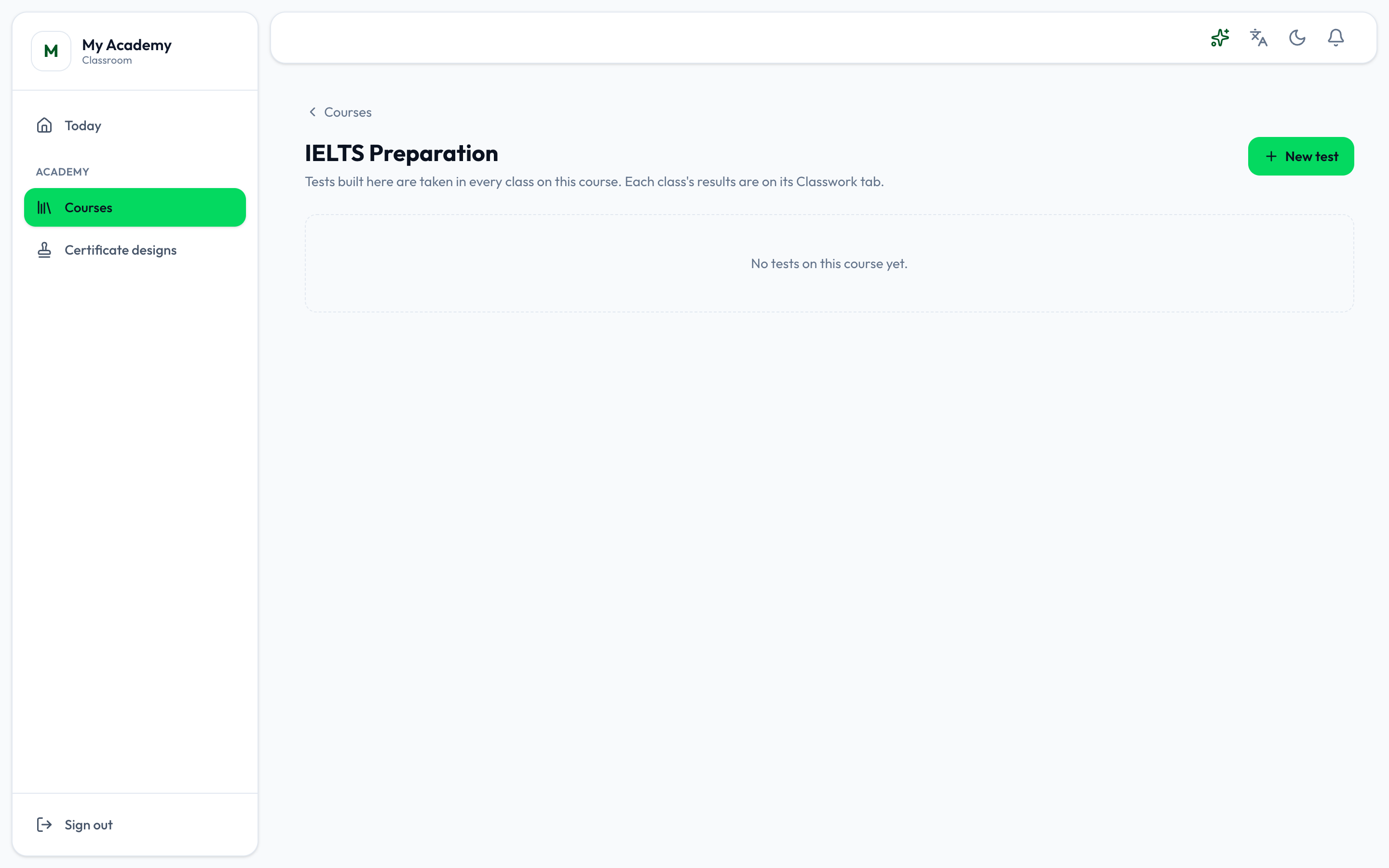
Section titled “Tests on a course”Press a course to see its tests. A test is built once on the course and taken in every class on it; each class’s results are on its Classwork tab.
-
Press New test.
-
Build it as a quiz: its settings, then its questions. See Classwork.
-
Press Post it.