
Tracks and courses
Every group is opened from a course, and every course sits in a track: Languages, Coding, School subjects. A course’s number of sessions is how long each group of it runs. Owners and admins can add them.
Add a track
Section titled “Add a track”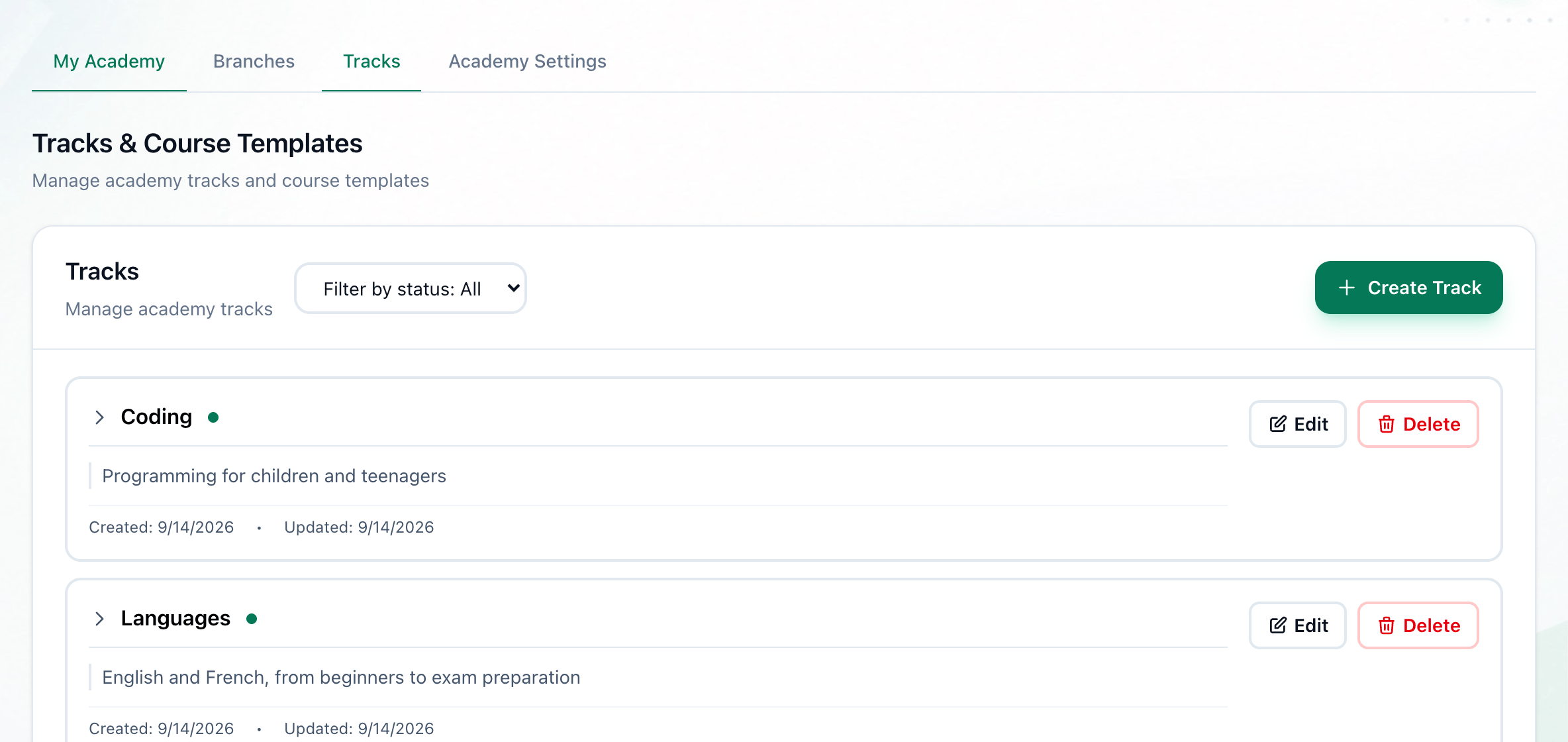
- Create Track
-
In Administration, open Tracks and press Create Track.
-
Enter the track’s name in Track Name, and a Description if you like.
-
Press Create Track.
Add its courses
Section titled “Add its courses”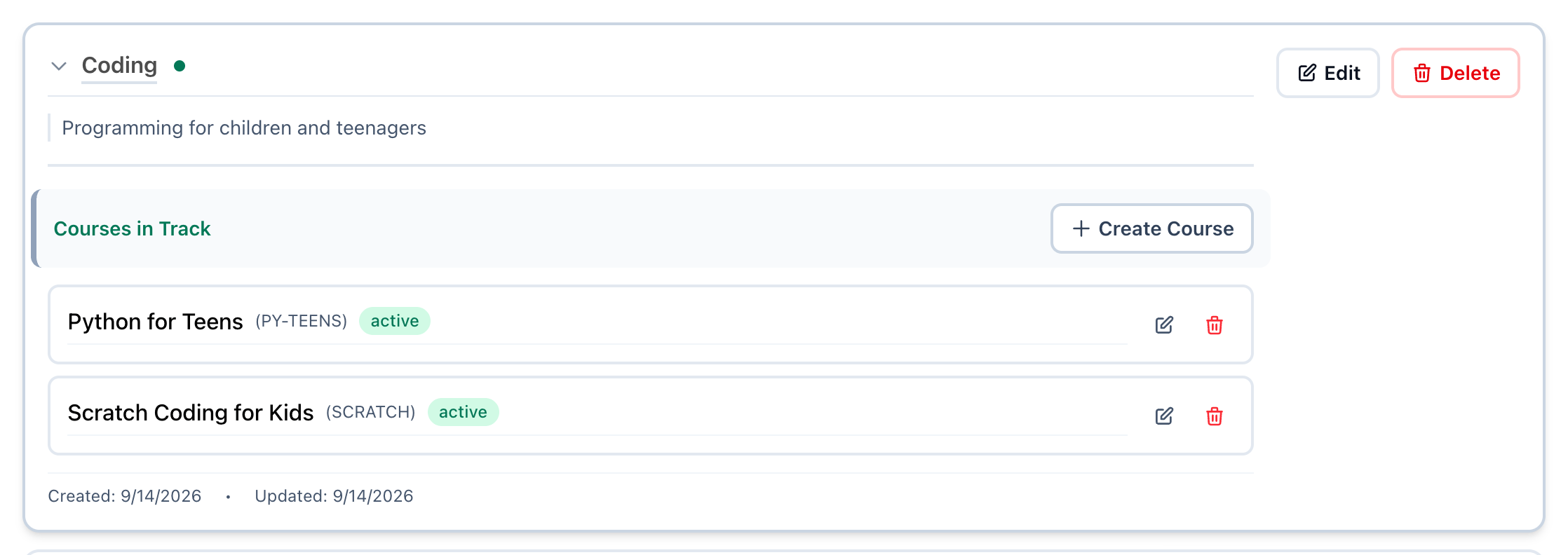
- Open the track
- Create Course
-
On Tracks, press the track’s name. It opens to show its Courses in Track.
-
Press Create Course.
-
Enter the course’s name in Course Name, and a short Course Code, such as ENG1, if you like.
-
Enter in Number of Sessions how many sessions each group of this course has.
-
Press Create Course. The course appears in the track, marked active.
What happens next
Section titled “What happens next”- Changing, closing and deleting tracks and courses, and the messages you may see: Tracks.
- Next in Getting started: inviting your staff.