
The Online location
Every academy on Tuevia has one Online location beside its branches. Teaching that happens online belongs to it: a group taught online sits in Online instead of in a room of a branch.
How it differs from a branch
Section titled “How it differs from a branch”- It is not on the Branches page, and nobody adds it. Tuevia creates it with the academy.
- It is always called Online. It cannot be renamed, suspended or deleted.
- It has no rooms.
Where you see it
Section titled “Where you see it”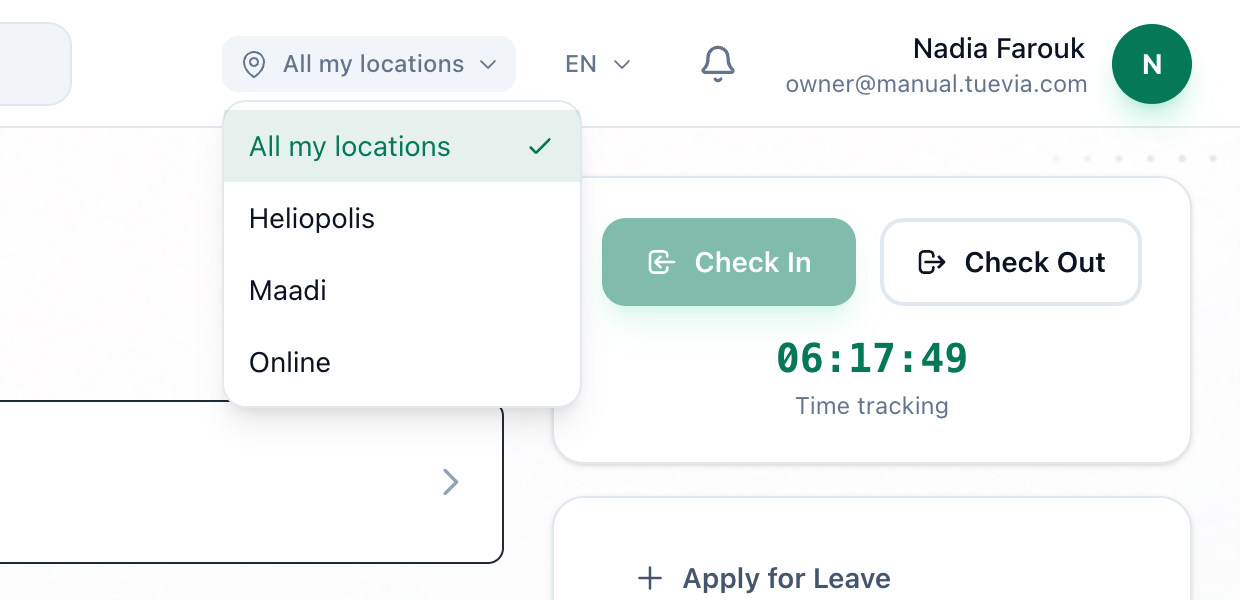
- Location
The location switcher at the top of the screen lists All my locations and each place you work in. Choosing one narrows what you see to that place; All my locations shows everything again.
The switcher appears only when you work in more than one place. Online counts as a place only once a group or a session sits in it, so an academy with a single branch and nothing taught online sees no switcher at all. Once the switcher is there, Online is one of its choices.